AI Christmas Photo GeneratorYour own photos, in a Christmas scene
Upload one to four everyday photos of you, your family, your partner or your dog, pick a Christmas scene, and get an AI Christmas photo in about 30 seconds. Faces stay true to the photos, and any finished photo turns into a printable Christmas card for free.
- Ready in about 30 seconds
- Faces kept from your photos
- Free printable cards
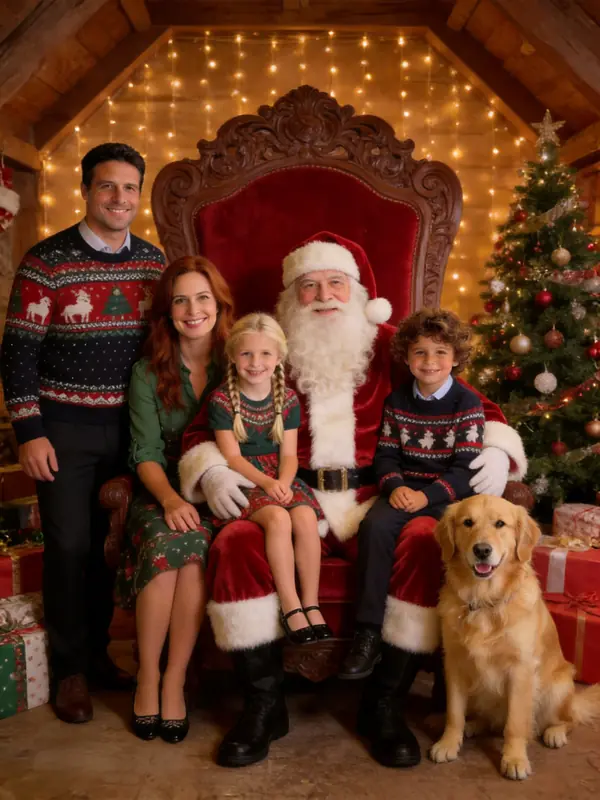
Examples made from AI-generated sample people, not customers.
Make your AI Christmas photo
1Add your photos (1 to 4)
- Face to the camera, in even light
- Selfies work; a photo taken by someone else, a step back, works even better
- One clear photo per person is enough
- Filters, beauty mode, sunglasses
- Backlight, or faces too small to see
Photos can be taken anywhere; everyone ends up in one picture. Pets welcome. Photos with nudity or sexual content are refused.
2Pick a scene: Cozy Fireplace
3Add a detail (optional)
4Format
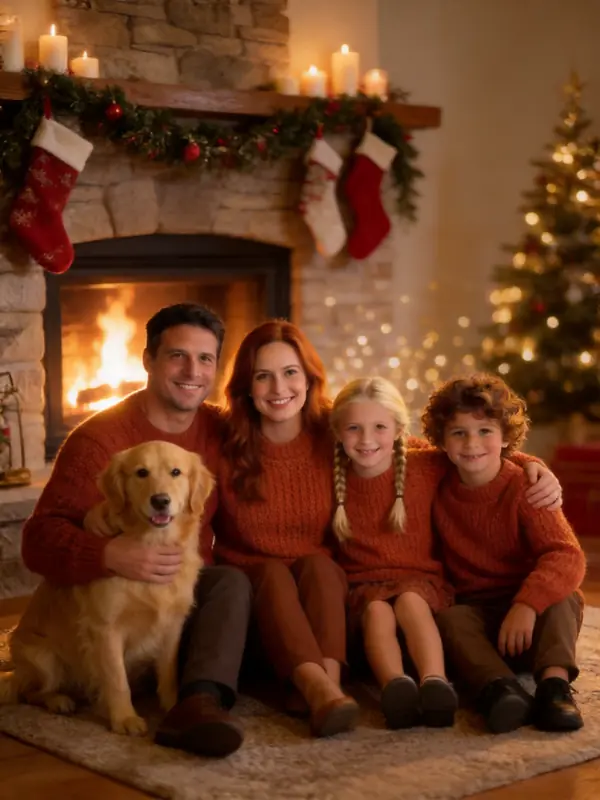
Your scene
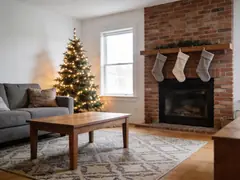
Cozy Fireplace
Knit sweaters and firelight by a stocking-hung mantel.
Examples made from AI-generated sample people, not customers.
What's new
- Launch: 16 Christmas scenes, family photos from up to four pictures, and free printable 5x7 cards.
- Trending this season: candy cane studio portraits and Santa caught on camera.
What is an AI Christmas photo?
An AI Christmas photo is a festive portrait made from ordinary photos you already have. An AI image model reads the faces in your pictures and draws them into a new Christmas scene, with new outfits, light and decorations, while keeping each person recognizable.
They became one of the biggest photo trends of the 2025 holiday season, when people shared AI Christmas portraits made with chat apps and prompt lists. AI Christmas Photos does the same in a few clicks: no prompts to write, no app to install, and up to four photos combined into one picture.
16 Christmas scenes, made from everyday photos
Each picture was made by our generator from the everyday photo pinned in its corner. Examples made from AI-generated sample people, not customers.
Studio glam
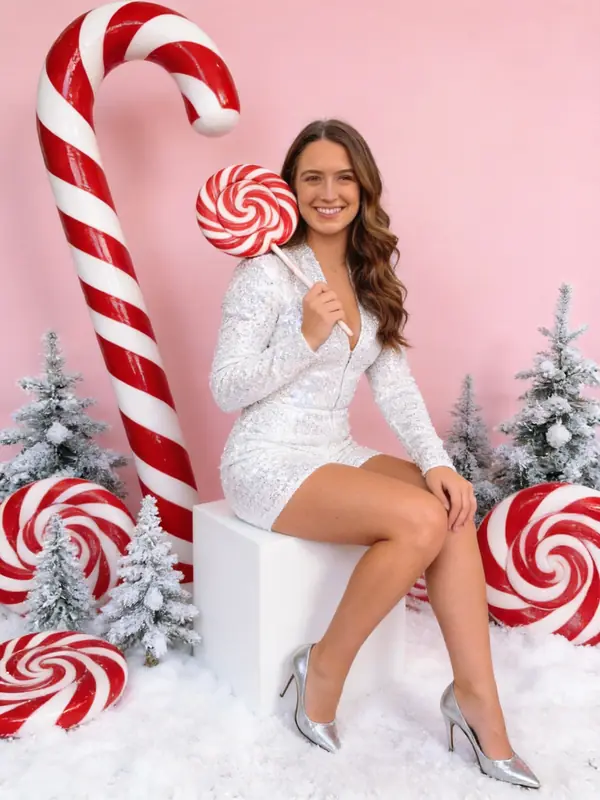
 Candy Cane GlamThe viral look: sequins, giant candy canes and a pink studio set.Use this scene
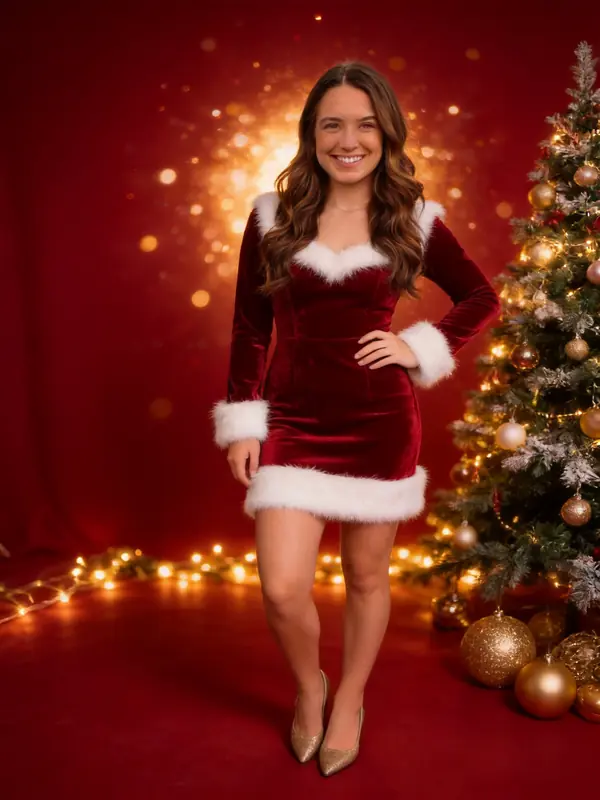 Santa GlamRed velvet with white fur trim, gold lights and a glowing tree.Use this scene
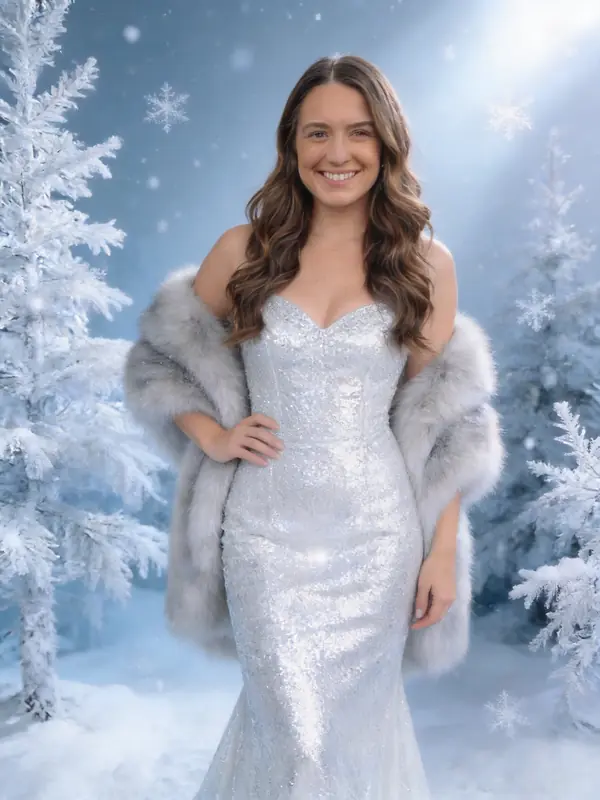 Snow QueenA silver gown, a fur stole and frosted trees in icy light.Use this scene
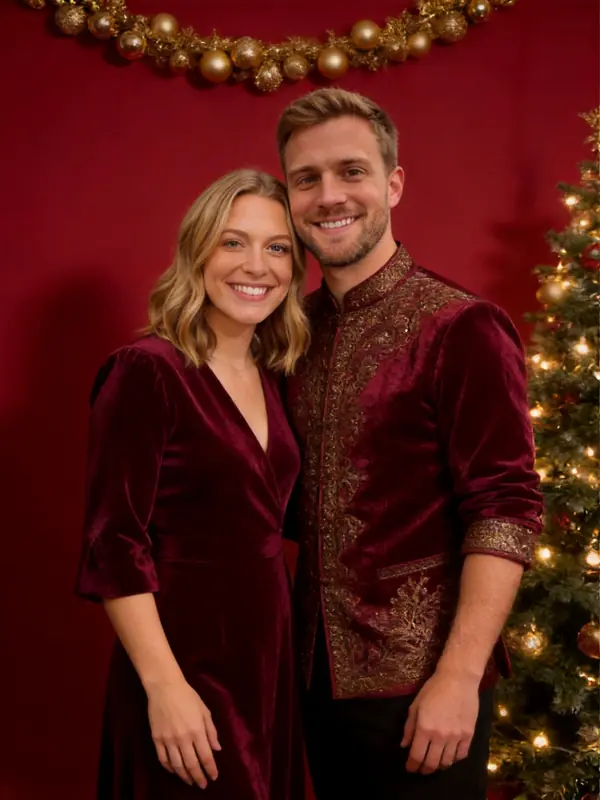
 Red & Gold StudioA classic studio portrait in deep red, emerald and gold.Use this scene
Cozy at home
 Cozy FireplaceKnit sweaters and firelight by a stocking-hung mantel.Use this scene
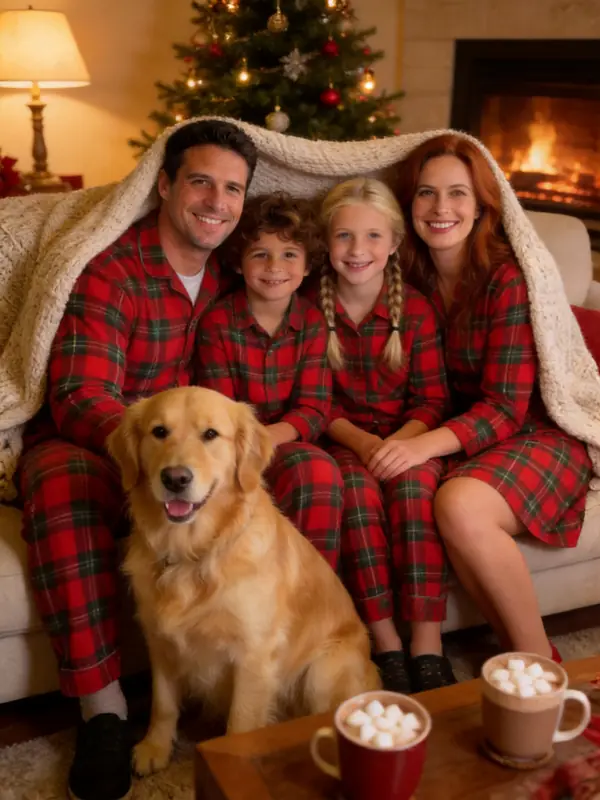 Matching PJsMatching plaid pajamas, a blanket and hot cocoa on the sofa.Use this scene
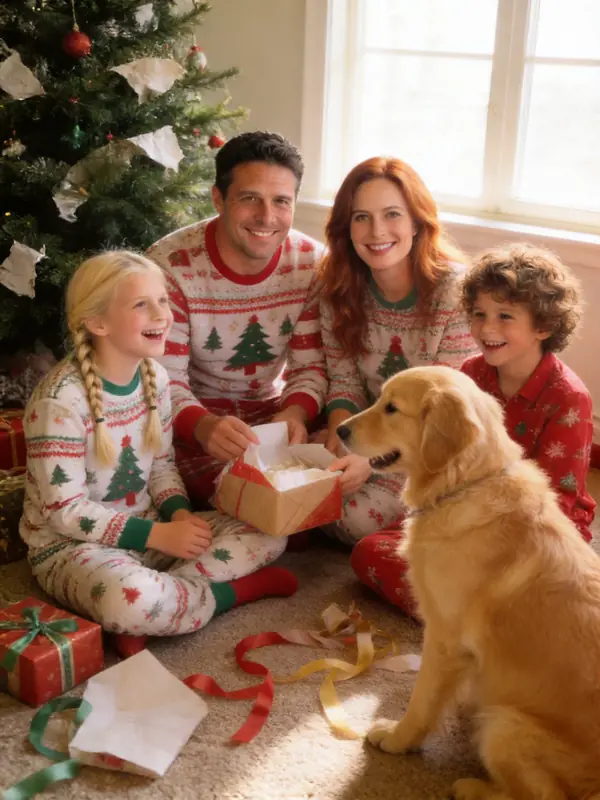 Christmas MorningOpening presents by the tree in soft morning light.Use this scene
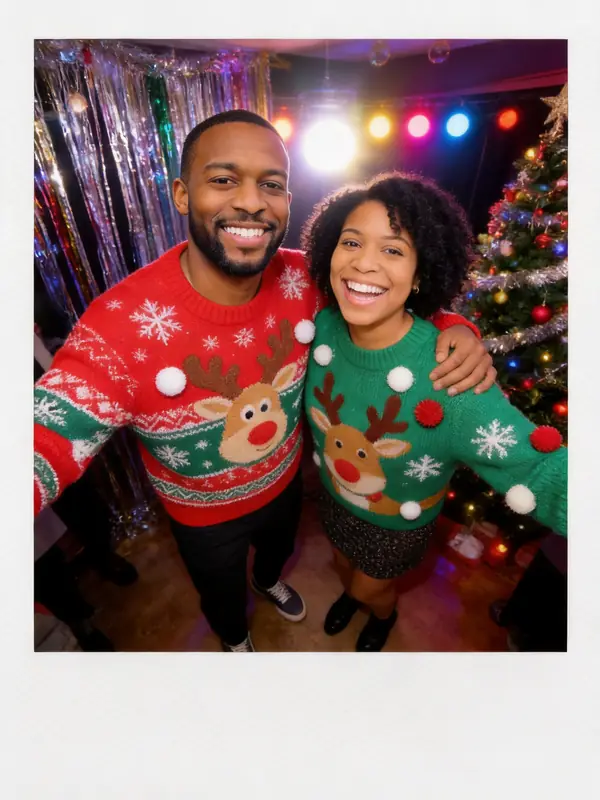
 Ugly SweaterLoud knitted sweaters at a tinsel-and-lights party.Use this scene
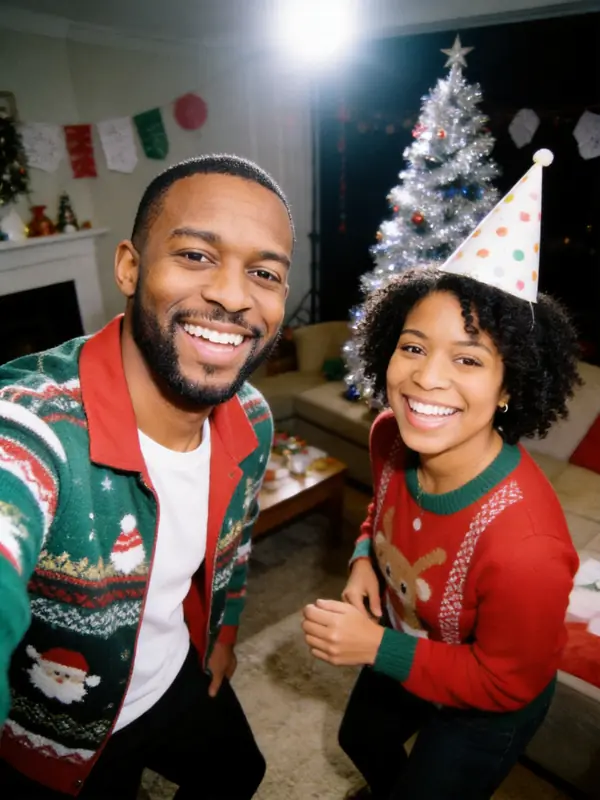 2000s FlashA 2000s point-and-shoot party snap with harsh flash.Use this scene
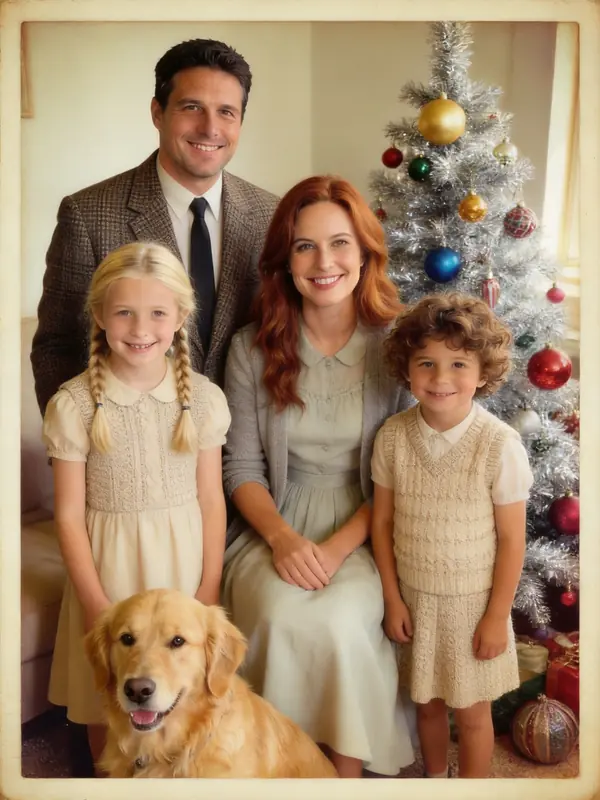 1950s VintageA 1950s Kodachrome portrait by a silver tinsel tree.Use this scene
Out in the snow
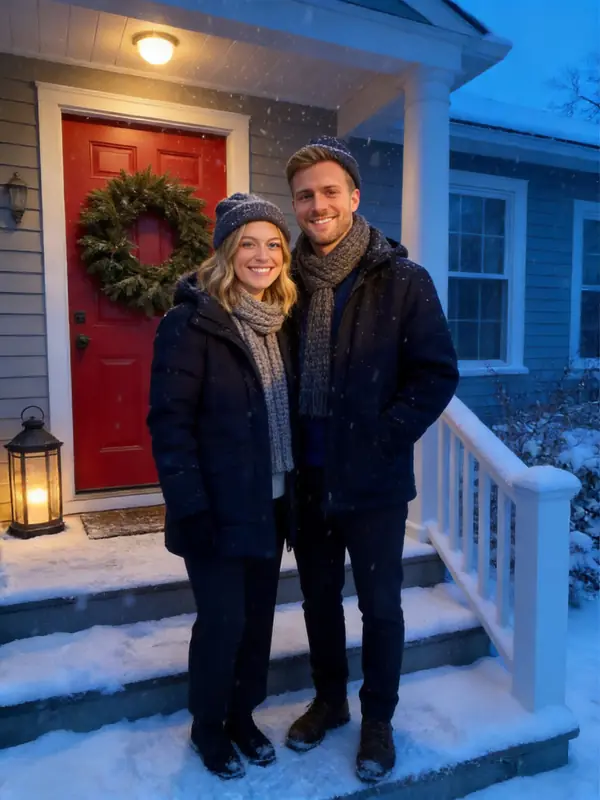 Snowy PorchCoats and scarves by a red door and a wreath at blue hour.Use this scene
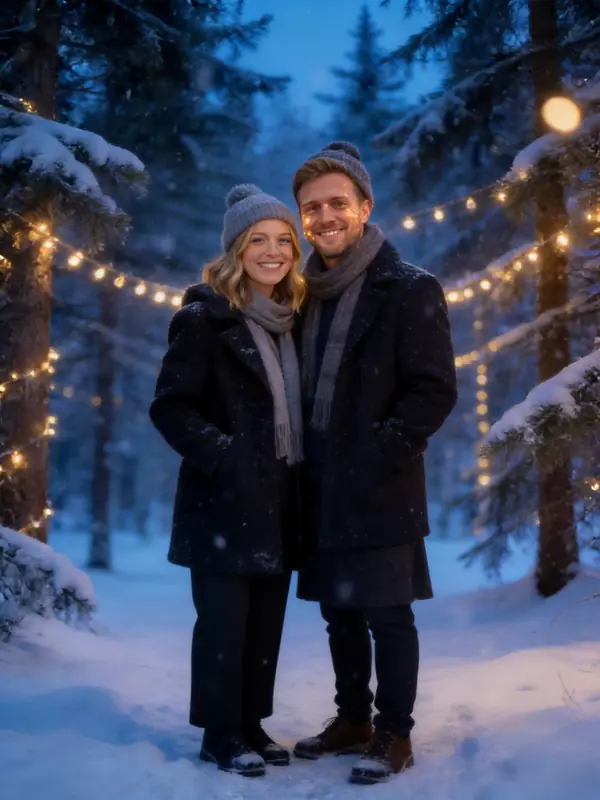 Winter WonderlandA snowy pine forest strung with warm fairy lights.Use this scene
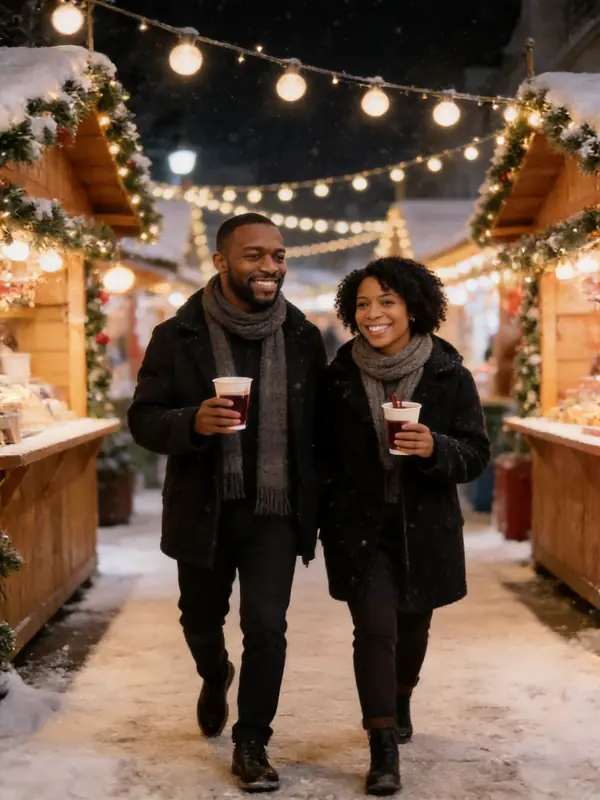 Christmas MarketMulled wine between the stalls of a Christmas market.Use this scene
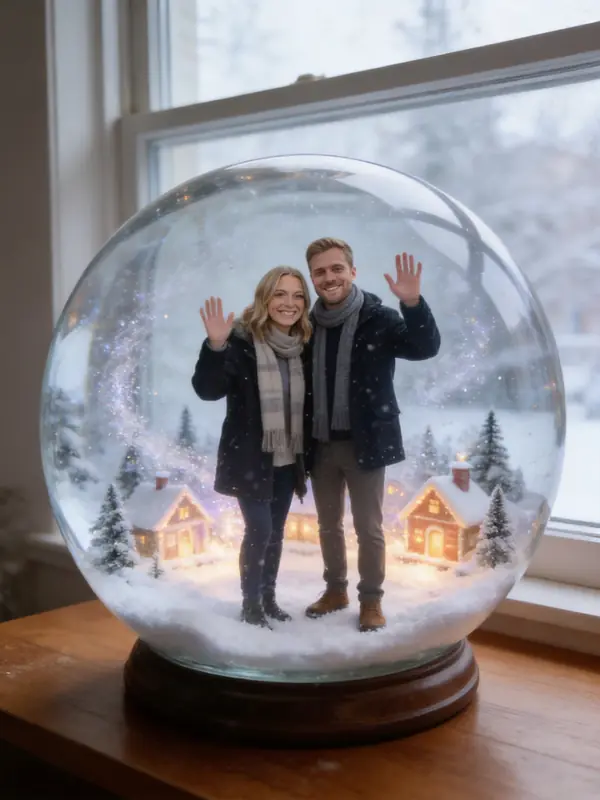 Snow GlobeTiny figures in a glass globe of glittering snow.Use this scene
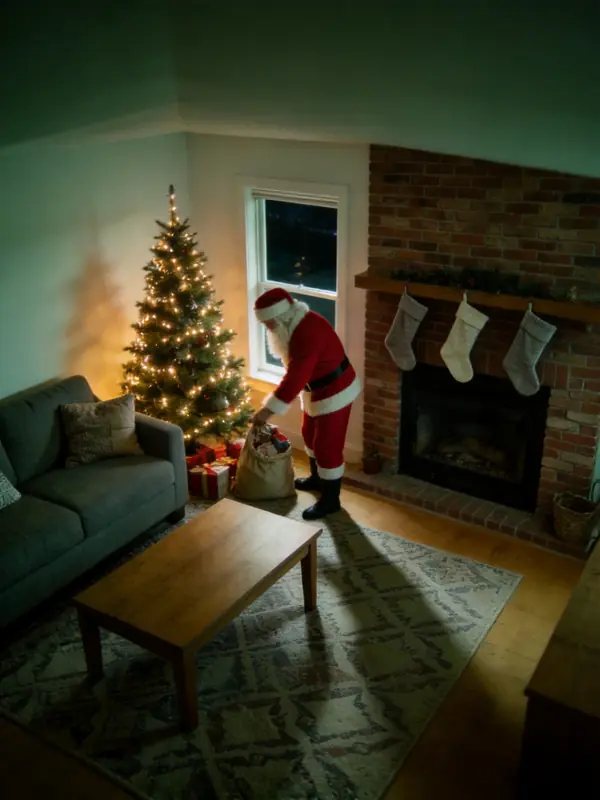
How to make an AI Christmas photo in 3 steps
Upload your photos
One to four clear photos where faces are easy to see. They can be taken at different times and places; we put everyone in one picture.
Pick a Christmas scene
Cozy fireplace, matching pajamas, candy cane studio, a photo with Santa, a snow globe and more. Add a detail if you like, such as "the dog wears a Santa hat".
Download, post or print
Your AI Christmas photo is ready in about 30 seconds. Download it, or add a greeting and get a 5x7 print file for your Christmas cards.
Who makes AI Christmas photos
Christmas cards without a photo shoot
No matching outfits, no photographer, no twenty takes to get the toddler to look at the camera. Pick the photo everyone likes and print it.
Families who live apart
Grandparents in one city, kids in another? Upload a photo of each and get one family Christmas photo with everyone in it.
Couples and pets
A holiday portrait of the two of you, or the dog in front of the fireplace in a tiny Santa hat.
The AI Christmas photo trend
Candy cane studios, snow globes and Santa caught on camera: the looks people post in December, made with your own face.
Seen these photos everywhere last December? Read about the AI Christmas photo trend and how to join it.
Faces that still look like you
The most common complaint about AI Christmas photos is that the result does not look like the person. Every scene here is written to keep faces, ages, skin tones and hair as they are in your photos, and never to slim, de-age or swap anyone.
Only your faces stay as they are. The clothes, the decorations and the background all change to Christmas, so the photo looks festive while everyone still looks like themselves.
Tips for a better AI Christmas photo
Use photos where each face is large, sharp and lit from the front. A phone photo is enough; sunglasses, hats pulled low, heavy filters and faces far in the background are not.
For a family photo, upload one photo per person or per small group rather than one wide group shot. Pets work best in a close photo where the whole animal is visible.
Pick the format for where it will go: 3:4 for cards and prints, 1:1 for Instagram and Facebook posts, 9:16 for stories.
AI Christmas photo pricing
$0.27
a photo in the Party pack
Your first photo is free. After that every photo is 1 credit: $4.99 buys 12 credits, $9.99 buys 30 and $19.99 buys 75. Credits never expire, cards are free, and failed photos are refunded automatically.
See all packsYour photos, your permission
Only upload photos of yourself, your own children, or people who agreed to appear. Photos of public figures are not allowed. Every photo is checked for nudity and sexual content before it is saved, and every detail you type is checked before anything is charged. Results are AI-generated pictures, not real photographs; please label them that way when it matters.
AI Christmas photo FAQ
Your Christmas photo is 30 seconds away
Upload your photos, pick a scene, and your Christmas photo is ready in about 30 seconds. The first one is free.
Make my Christmas photo